TacTip gym environment
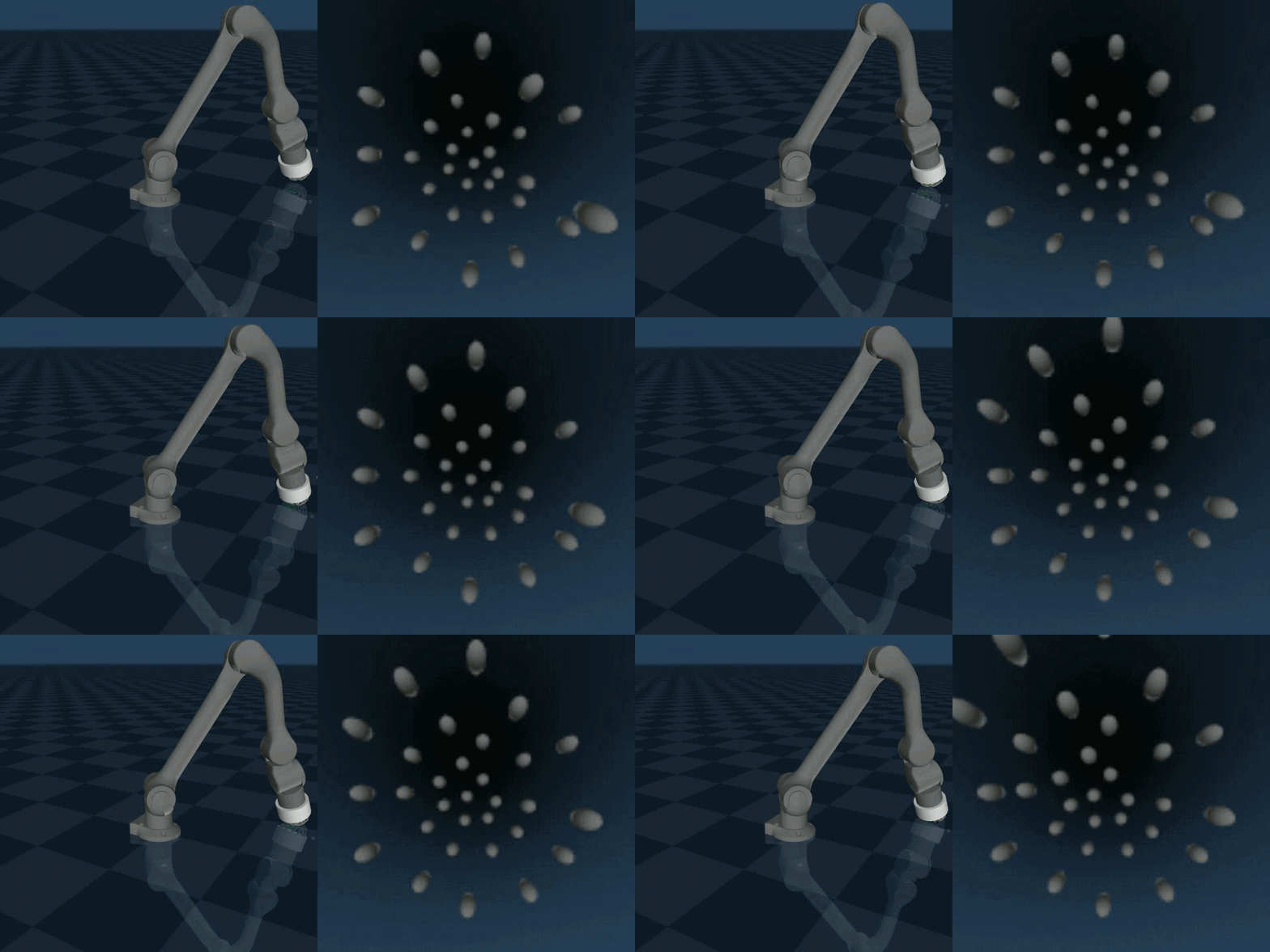
TacTip-gym is a reinforcement learning environment designed for training and evaluating
agents using vision-based tactile sensing with the TacTip sensor.
It extends standard RL frameworks such as OpenAI Gym / Gymnasium
to support tactile perception tasks in robotics.
Contents
What is TacTip?
The TacTip is a biomimetic optical tactile sensor that uses a gel-like surface and internal markers tracked by a camera to measure deformation. This allows robots to "feel" contact, edges, texture, and shear forces in a way similar to human touch.
Key Features
- Gym-style API for reinforcement learning compatibility
- Simulated tactile observations based on TacTip sensor physics
- Useful for sim-to-real tactile robotics research
- Designed for benchmarking tactile perception and control tasks
Typical Use Cases
- Edge and surface following with tactile feedback
- Object manipulation using touch perception
- Learning contact-rich policies for soft robotics
- Comparing vision vs tactile-based control strategies
Environment Structure
The environment follows the standard Gym interface:
obs = env.reset()
action = policy(obs)
obs, reward, done, info = env.step(action)
Why TacTip-gym?
Traditional RL environments rely on visual or state-based inputs. TacTip-gym introduces high-dimensional tactile observations, enabling research into:
- Contact-driven learning
- Robust manipulation under uncertainty
- Sensorimotor learning from touch
This project is ideal for researchers working in robotics, reinforcement learning, and tactile perception who want to explore how machines can learn from touch.
Reinforcement Learning
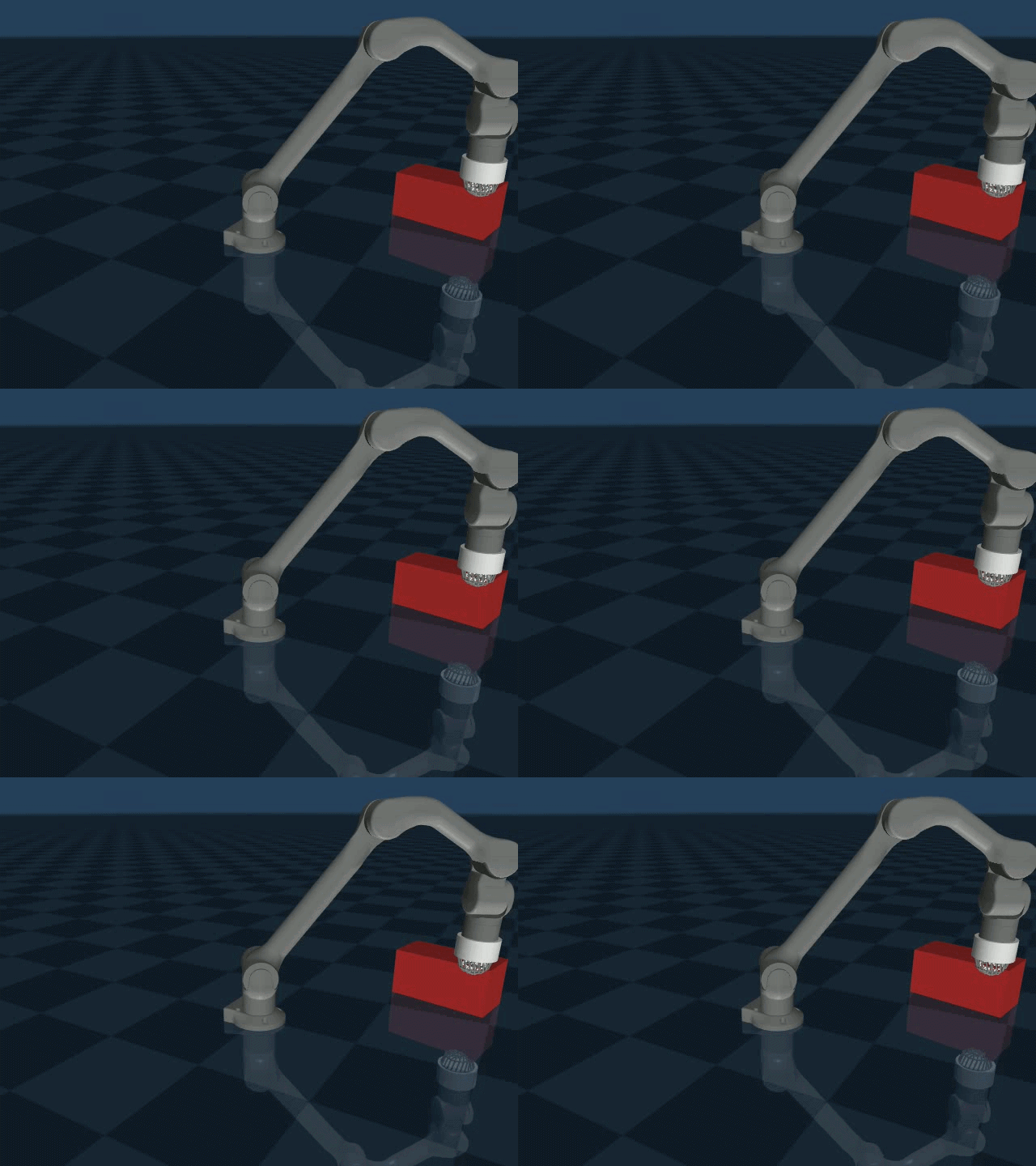 To trial the capabilities of the gym, we setup an edge following gym.
The Robot and Task
The robot arm is simulated in MuJoCo and is controlled through a Gym-style reinforcement learning environment. The task is to teach the arm to follow the edge of a rectangular block using its fingertip.
The environment randomly rotates the block at the beginning of an episode and selects a starting point on one of the four top edges. This means the robot needs to learn a general strategy for following an edge rather than memorising one fixed position.
The robot's fingertip is represented by an end-effector site called
ee_site. The learning agent, PPO, controls the movement of this
fingertip rather than directly controlling each individual joint.
What Does the Robot Observe?
Before PPO chooses an action, the environment provides an observation describing the current state of the task.
For the edge-following environment, the observation has a dimension of
213. The environment obtains this observation using
get_nodes() and then flattens the result into a single array.
observation = self.get_nodes().flatten()You can think of this observation as the information available to the learning agent at each moment. PPO uses this information to decide what movement the robot should make next.
The exact contents of the 213 values come from get_nodes(),
which is the positions of the optical markers of the TacTip. We have already put it into an embedded space to simplify the input. These coordinates are local
in 3D space relative to one another.
How Does PPO Ask the Arm to Move?
PPO produces a 3-dimensional action. Instead of telling individual robot joints exactly how far to rotate, the action is treated as a movement of the robot's fingertip.
The action is scaled and added to the fingertip's current position:
self.current_position += action * 0.5This means that a larger action produces a larger change in the desired fingertip position.
The third action component is currently disabled:
action[2] = 0This prevents the agent from moving the fingertip along the Z axis and reduces the problem to primarily following the edge in the horizontal plane.
How Does the Robot Actually Move?
PPO does not directly control the six arm joints. Instead, it requests a new fingertip position. The environment then uses inverse kinematics to work out which joint positions are needed to reach that position.
- PPO produces an action. The action contains three values describing the requested movement.
- The target position changes. The action is scaled by 0.5 and added to the current fingertip position.
- Z movement is disabled. The third action component is forced to zero.
- Inverse kinematics solves the arm. The requested fingertip position is passed to the IK solver.
- Joint targets are calculated. The IK solver determines suitable joint positions for the arm.
- MuJoCo advances the simulation. The joint targets are applied and the simulated robot moves.
Inverse Kinematics
Inverse kinematics, or IK, solves the opposite problem to normal robot motion calculations. Instead of starting with joint angles and asking where the fingertip will be, we start with a desired fingertip position and ask which joint positions will place the fingertip there.
The environment uses the ee_site as the target and keeps the
end-effector orientation fixed:
fixed_orientation = [1.0, 0.0, 0.0, 0.0]The IK solver then calculates positions for joints 1 through 6 so that the end-effector reaches the requested coordinates.
How Is Reward Enforced?
Reward is how the environment tells PPO whether the robot's behaviour was useful. A good action should help the fingertip stay close to the edge and make progress along it.
The reward is made from three main ideas:
- How close the fingertip is to the edge.
- Whether the robot is making progress along the edge.
- Whether sufficient contact is being maintained.
Distance from the Edge
First, the environment finds the point on the block that is closest to the robot's fingertip.
edge_point = self.closest_edge_point(tip)It then calculates the horizontal distance between the fingertip and this point on the edge.
edge_error = np.linalg.norm(
    tip[:2] - edge_point[:2]
)
The further the fingertip moves away from the edge, the larger the
edge_error becomes. This produces a negative reward:
-2.0 * edge_errorTherefore, staying close to the edge is encouraged.
Progress Along the Edge
The top edges of the block are divided into a sequence of points. The environment keeps track of which point the robot should reach next.
When the fingertip gets sufficiently close to the current target point, the environment moves on to the next point:
if edge_error < 0.01:
    self.current_target += 1
The environment also calculates a progress value based on the distance from the current target. The change in this value from the previous step is used as a progress reward.
delta_progress = progress - self.previous_progressProgress is rewarded with:
+5.0 * delta_progressThis means PPO is not only encouraged to stay near the edge, but also to keep moving along it.
Contact Penalty
The environment also contains a contact-force condition. If the measured
force is below 0.1, a penalty of 5 is applied.
if force < 0.1:
    contact_penalty = 5
In the current implementation, however, the force is temporarily set to
a fixed value of 0.2. The actual contact-force calculation is
marked as a future implementation.
Overall Reward
The different parts are combined into a single reward:
reward = (
    -2.0 * edge_error
    + 5.0 * delta_progress
    - contact_penalty
)
In simple terms, the robot is rewarded for staying close to the edge and making progress along it.
The PPO Control Loop
The whole learning process can be thought of as a repeating loop:
- Observe: the environment provides the current observation to PPO.
- Choose an action: PPO produces a 3-dimensional movement.
- Move: the action changes the desired fingertip position.
- Solve: inverse kinematics converts the desired fingertip position into joint targets.
- Simulate: MuJoCo advances the robot.
- Measure: the environment calculates the new observation and reward.
- Learn: PPO uses the experience to improve its future decisions.
Over many episodes, PPO learns which movements tend to produce higher rewards. The goal is for the policy to eventually discover a reliable strategy for keeping the fingertip on the edge and following it around the block.